 LINKINFO
Finch replaces TextEdit for anything text: notes, config files, JSON, logs, scripts, code. It opens a file or folder instantly, keeps your tabs from one session to the next even when unsaved, and brings over the Sublime Text moves: multiple cursors, Quick Open for files (⌘P), a Command Palette (⇧⌘P), find and replace everywhere. Finch is free.
What Finch does
A fast editor
Everything you expect from a modern text editor, with nothing to configure.
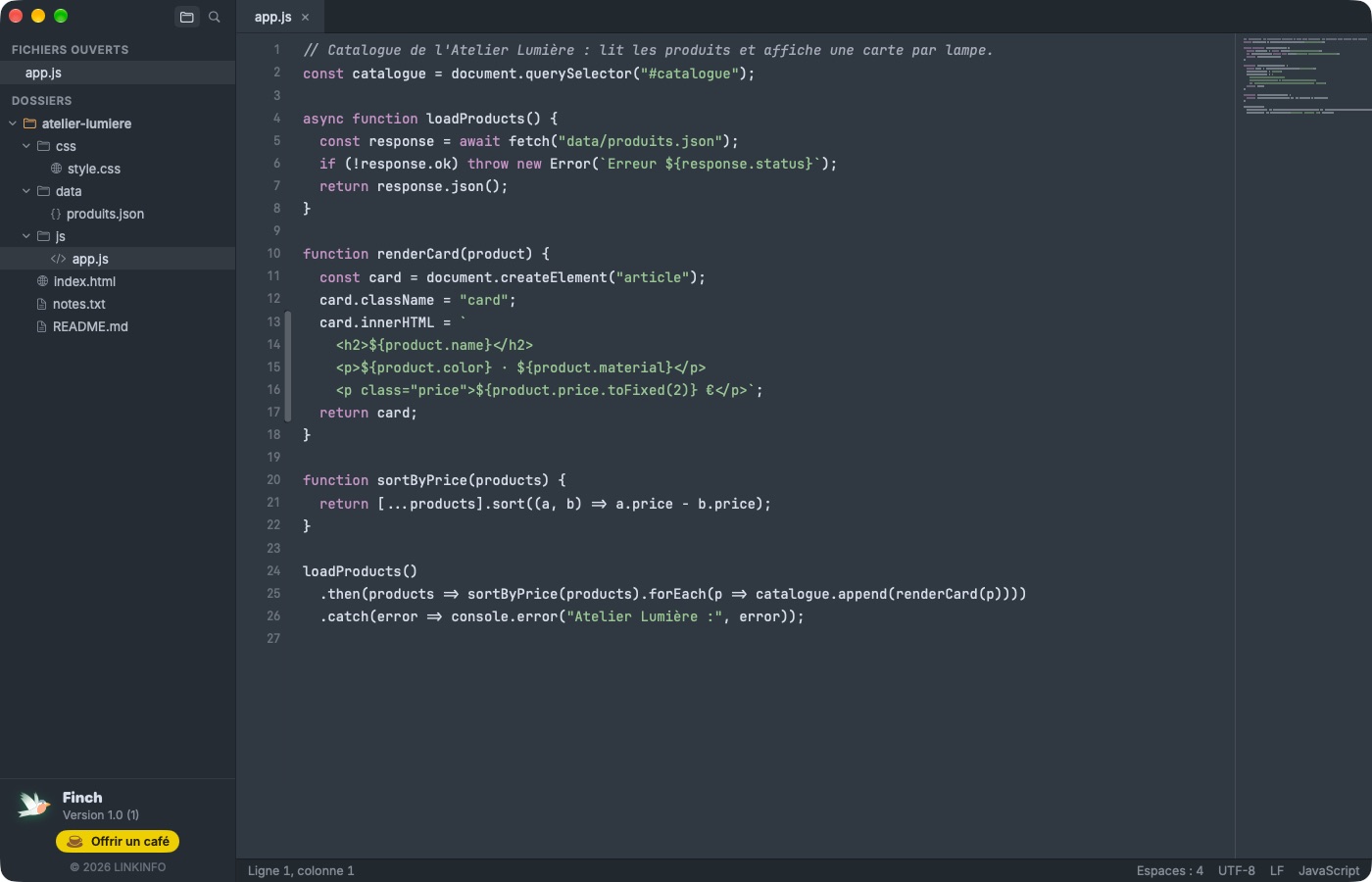
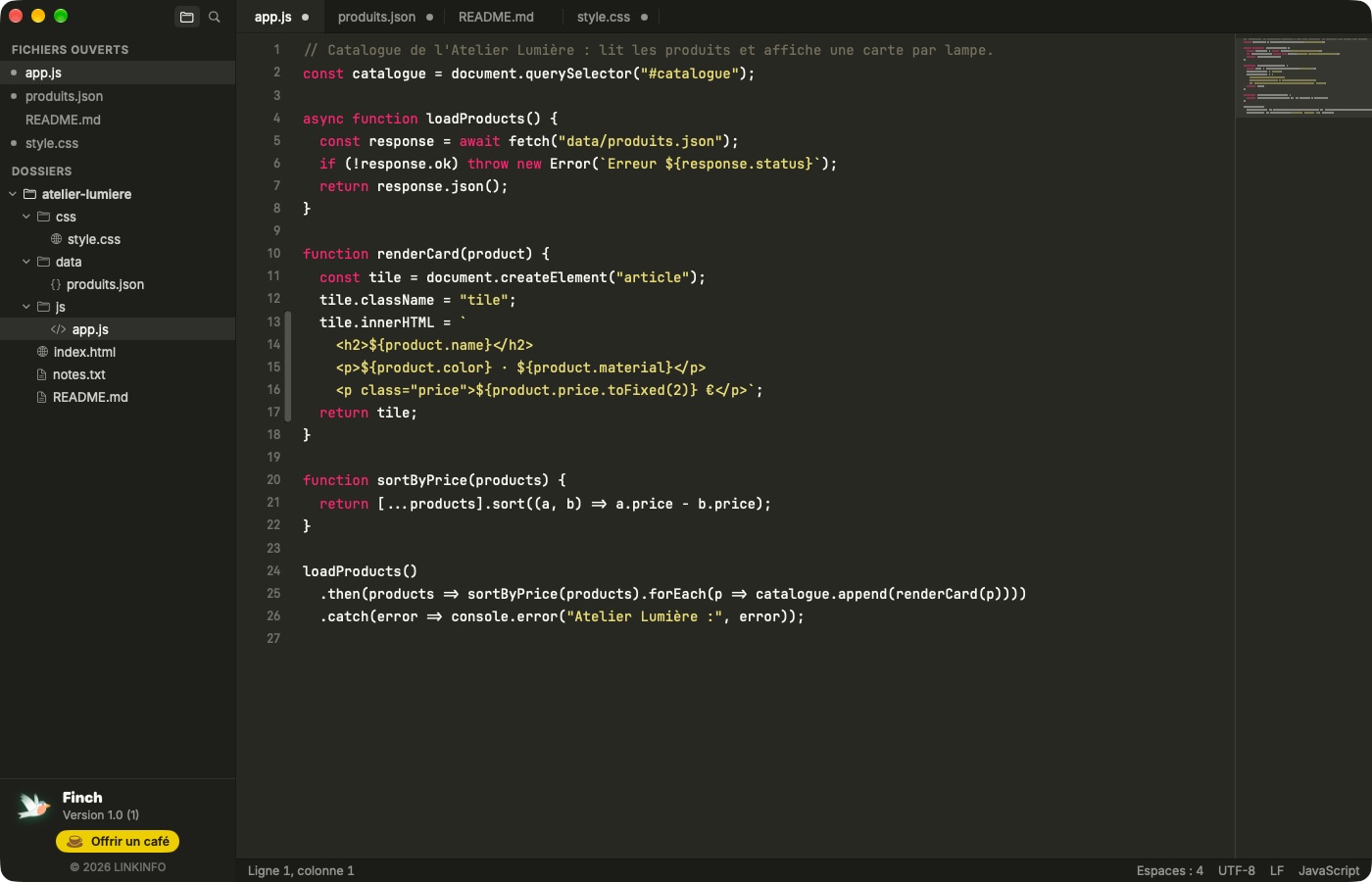
- Automatic syntax highlighting for about forty languages: Python, JavaScript, TypeScript, Swift, PHP, Go, Rust, HTML, CSS, JSON, YAML, Markdown, SQL, Shell…
- Drag-to-reorder tabs, a clickable minimap, line numbers, code folding.
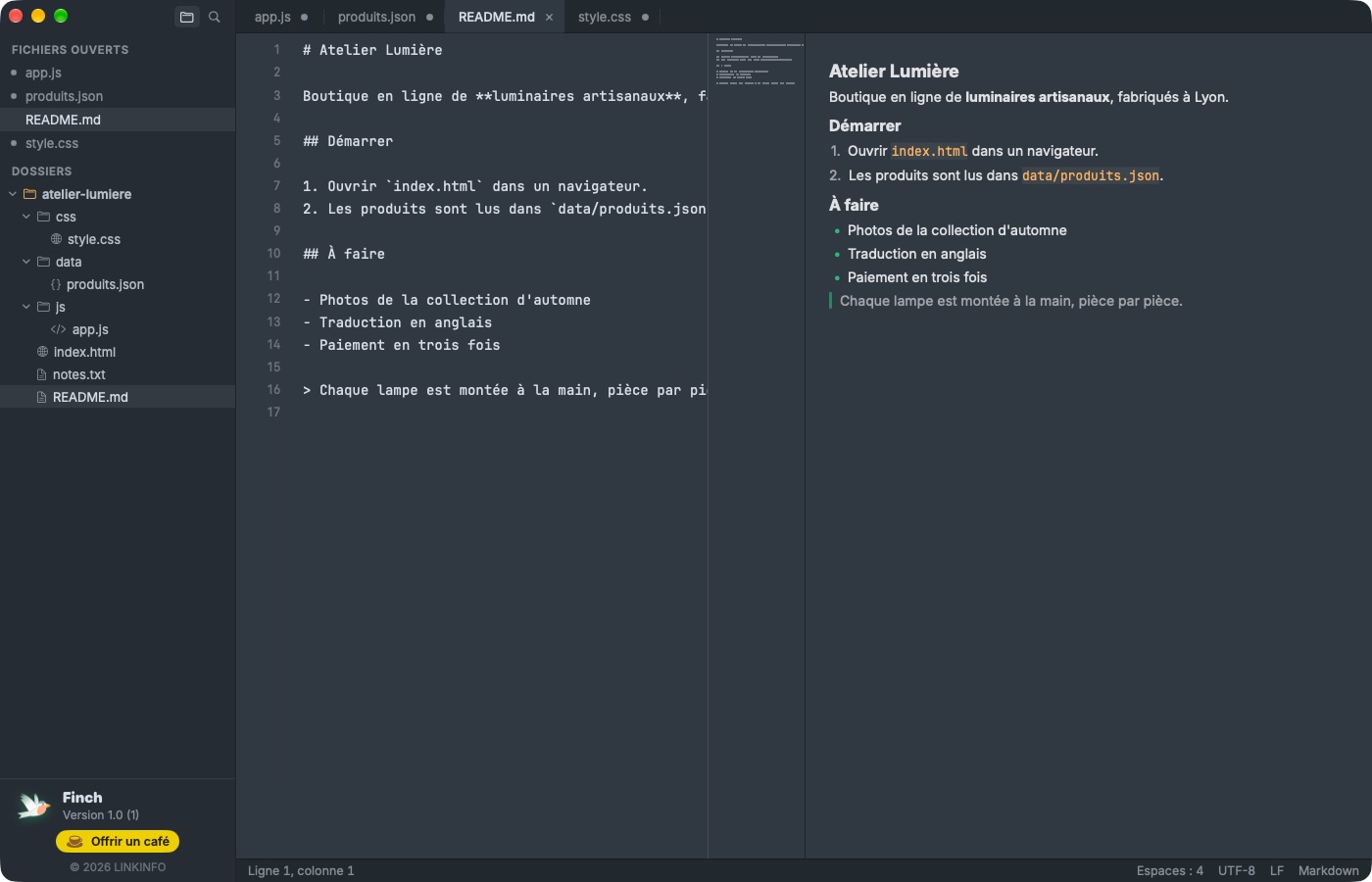
- Two columns (⌥⌘2) to keep two files side by side, and a live Markdown preview (⌥⌘P).
- Sidebar: open files and folders, with creating, renaming and moving files to the Trash.
- Large files: logs of several tens of MB open without lag.
The Sublime Text moves
Keyboard first: jump anywhere and edit several places at once.
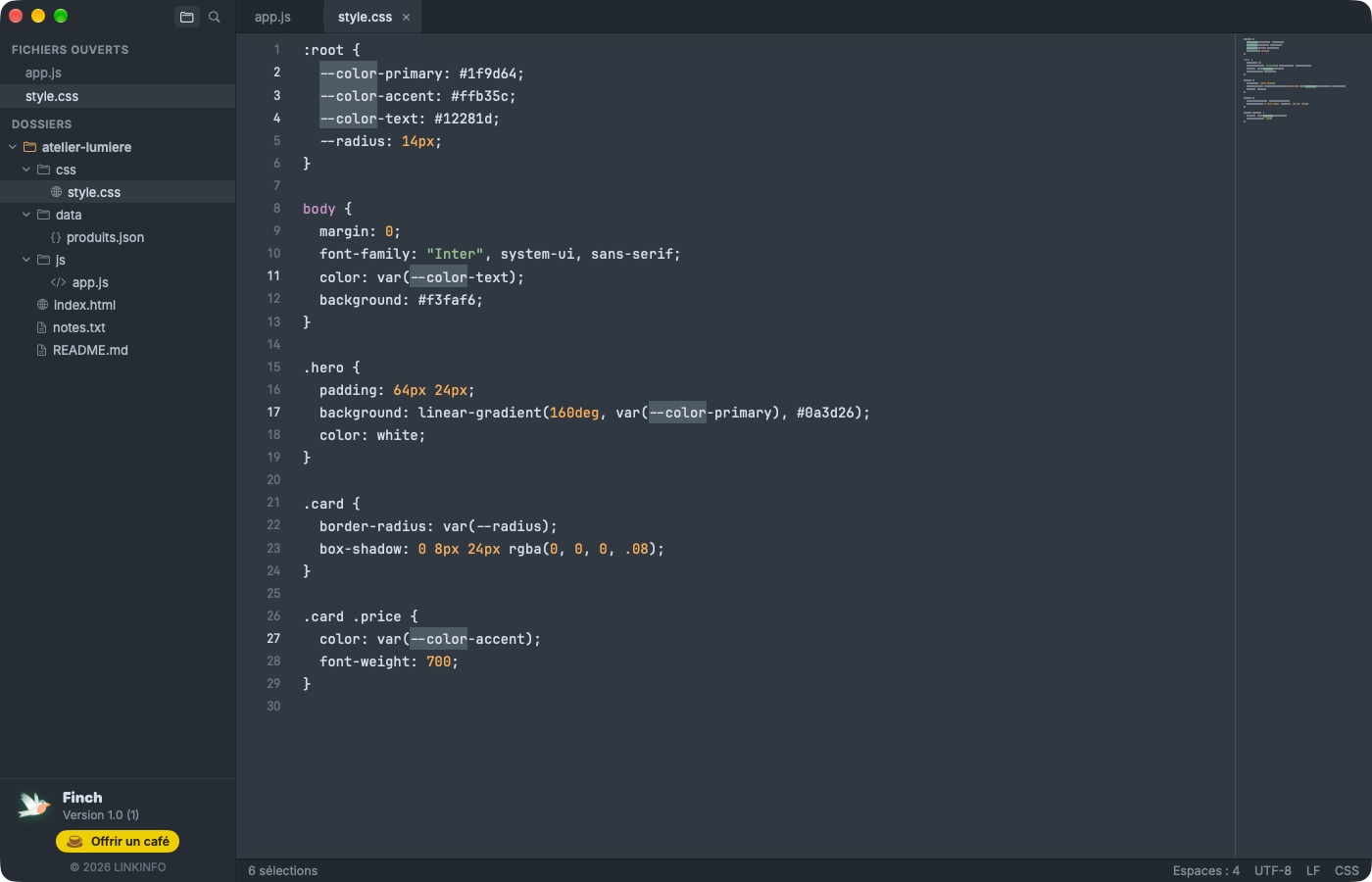
- Multiple cursors: ⌘D adds the next occurrence, ⌘-click places a cursor, ⇧⌘L splits a selection into lines, ⌥-drag selects a column.
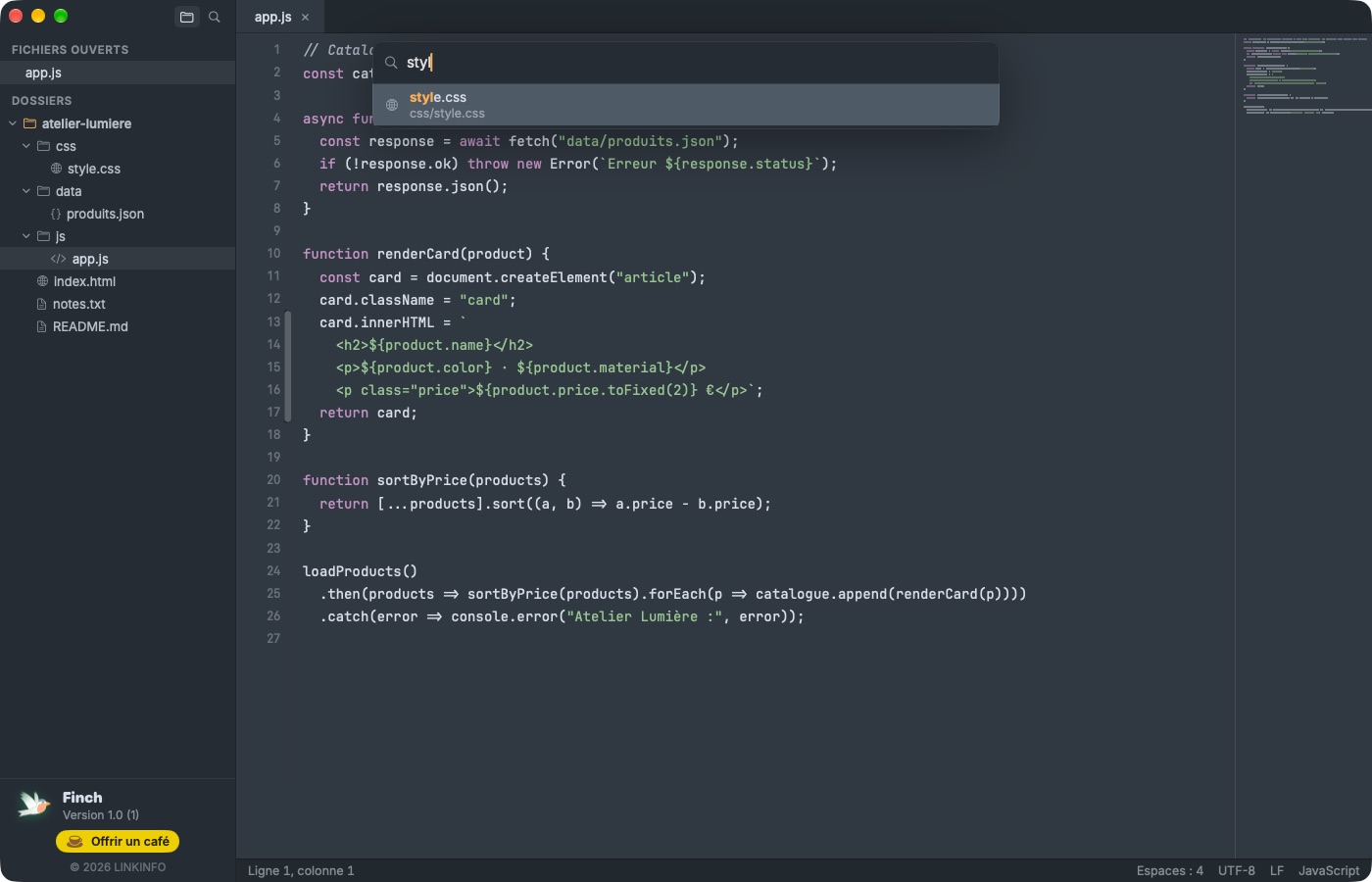
- Quick Open (⌘P): a file in a few keystrokes, “:” for a line, “@” for a function or heading in the file.
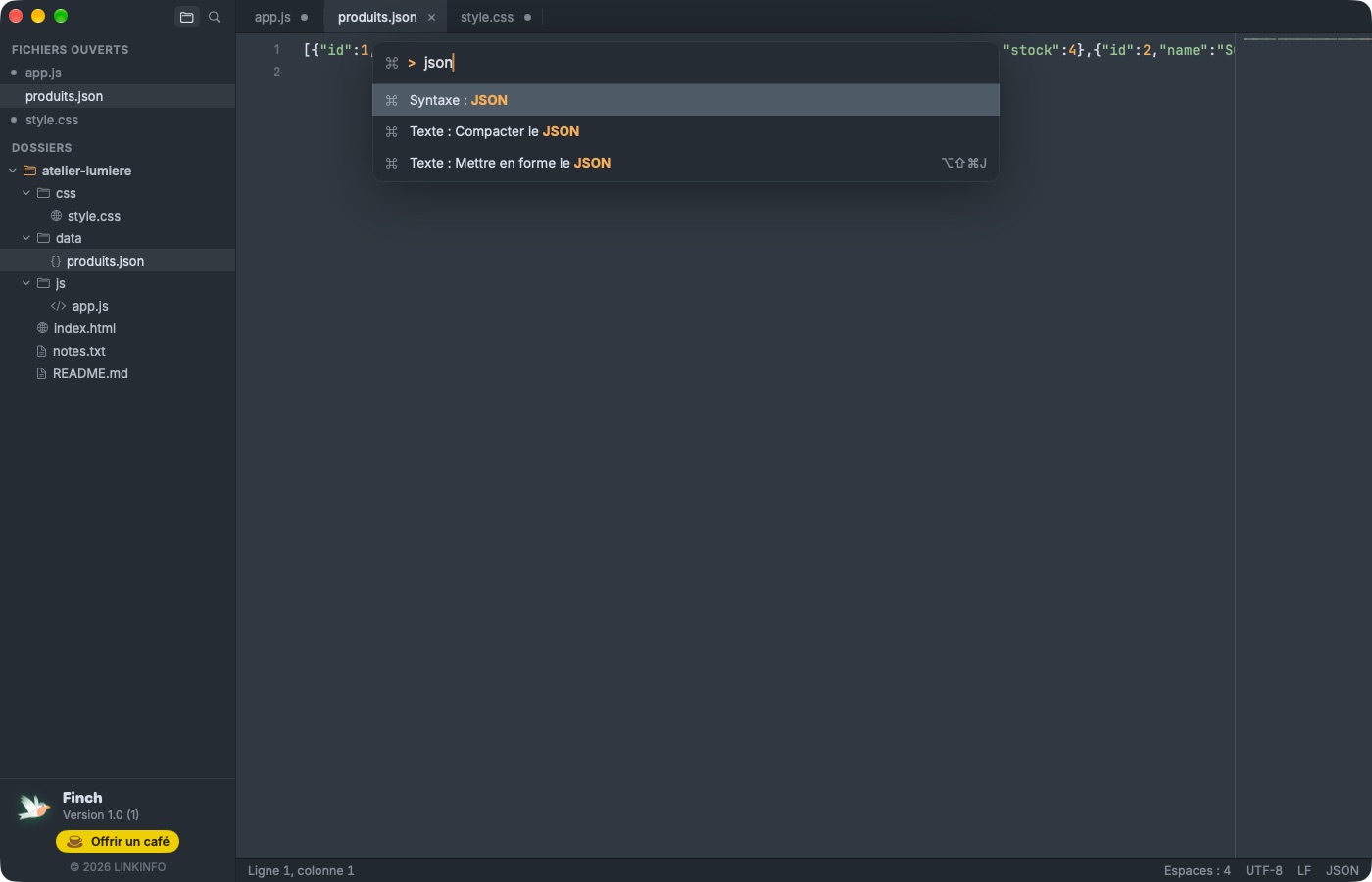
- Command Palette (⇧⌘P): every command from the keyboard, with its shortcut.
- Lines: duplicate (⇧⌘D), delete (⇧⌘K), move (⌃⌘↑↓), join (⌘J), comment (⌘/).
Find and replace
In the file or across a whole folder, with or without regular expressions.
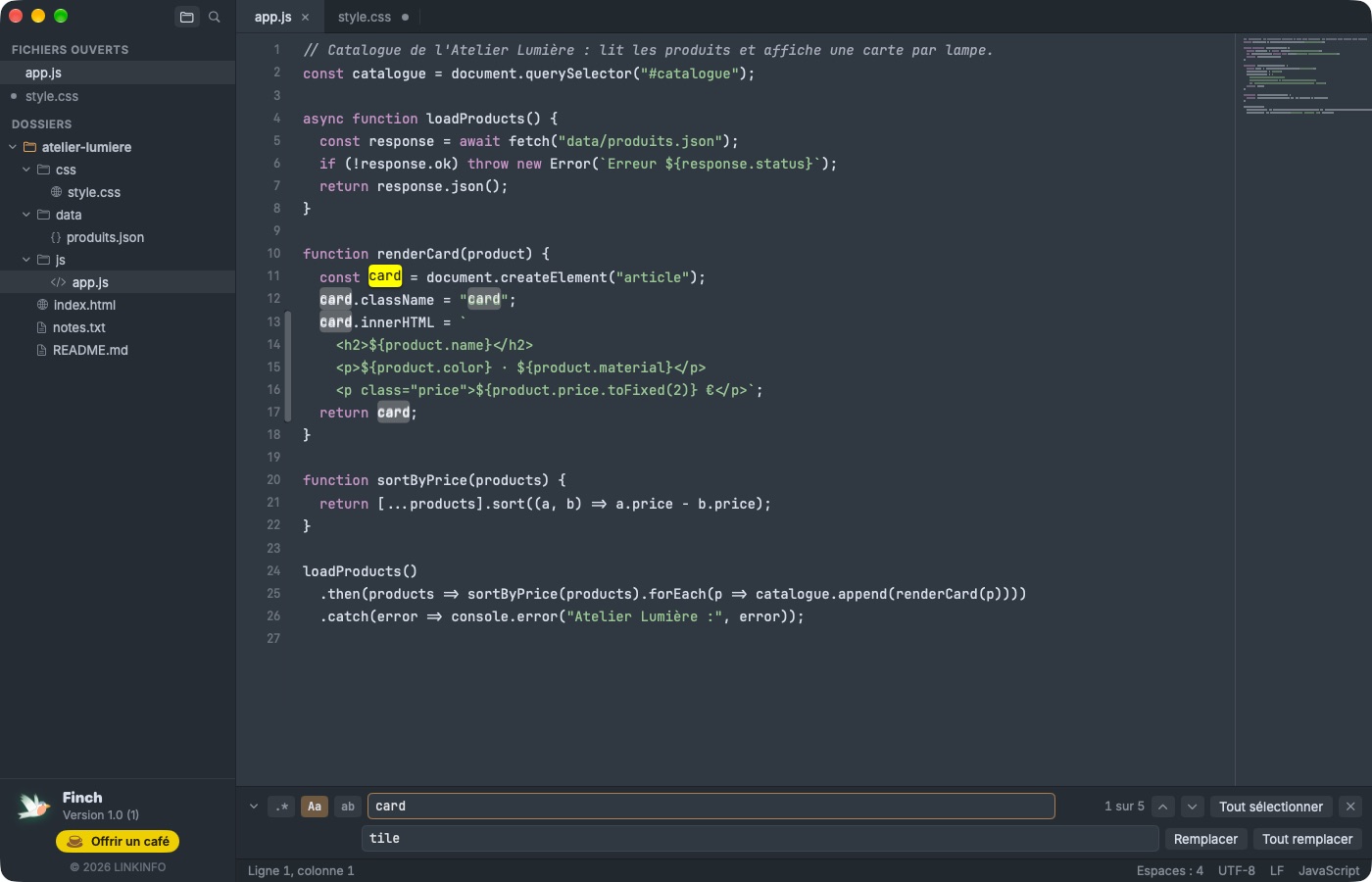
- Find bar (⌘F): regular expressions, match case, whole word, occurrence count.
- Replace one by one or Replace All (⌥⌘F), undoable with a single ⌘Z.
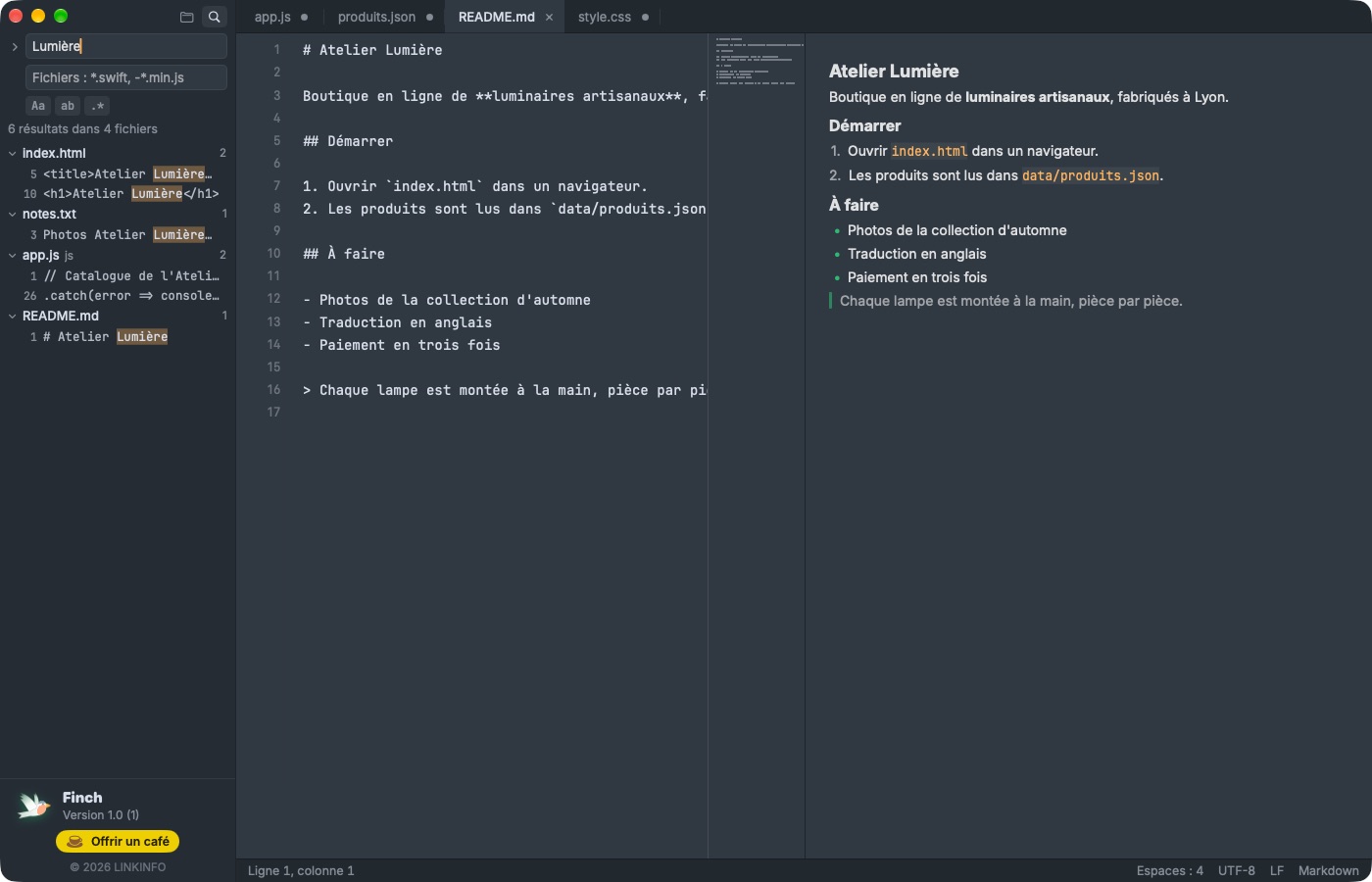
- Find in Files (⇧⌘F) across a folder, filtered by type (*.php, -*.min.js…), and replace everywhere.
- Turn every occurrence into cursors in one click.
Files and encodings
Finch respects your files just as they are.
- Encodings: UTF-8 (with or without BOM), UTF-16, Latin-1, Windows-1252 and more; automatic detection, reopen with another encoding.
- LF, CRLF or CR line endings preserved, and convertible from the status bar.
- JSON formatting that keeps key order, sort lines, remove duplicates, upper and lower case, Base64, URL encoding.
- System files (/etc/hosts…): save with the administrator password.
- File changed by another app: reloaded automatically, or flagged if it has unsaved changes.
Nothing gets lost
Quit whenever you like: everything is waiting for you next launch.
- Session restore: tabs, folders, cursor position and the contents of unsaved tabs come back exactly as they were.
- Themes Mariana, Monokai, Emerald (dark), Breakers and Celeste (light); dark mode by default.
- Default editor for text files in one click, instead of TextEdit.
- Automatic updates from within the app.
In pictures
A coffee for what's next
Finch is free, ad-free, and will stay that way. I develop it in my spare time: every coffee helps fund the next versions, fixes and new features, and tells me the app is useful to you.
Installation
- Download the .zip fileIt unzips on its own in the Downloads folder.
- Drag Finch to ApplicationsIn the Finder, into your Mac's Applications folder.
- Open FinchThe app is signed and notarized by Apple: it opens without a warning.
Requirements
- Free, with no ads and no account.
- Available in English, French and Spanish: the app follows your Mac's language, or the one chosen in its settings.
- macOS 14 Sonoma or later, on a Mac with Apple silicon or Intel.


